Manage your finances in the currency that fits your life, with simple global configuration and dedicated conversion tools:
- Single Primary Currency Tracking: Kuber currently tracks all accounts, transactions, budgets, and investments in one chosen primary currency at a time. This keeps your net worth calculations, analytics, and category rollups completely consistent and accurate.
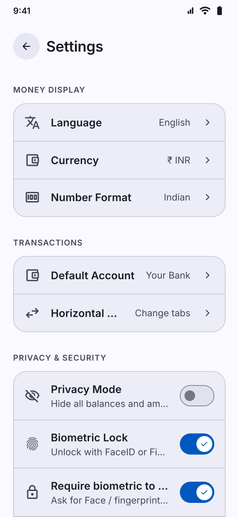
- Global Currency Selection: Choose from any worldwide currency in Settings, including INR (₹), USD ($), EUR (€), GBP (£), JPY (¥), CAD, AUD, AED, SGD, and dozens more.
- Localized Symbols and Separators: Switching your primary currency automatically updates currency symbols, comma separators, and decimal formatting across every dashboard, card, and report.
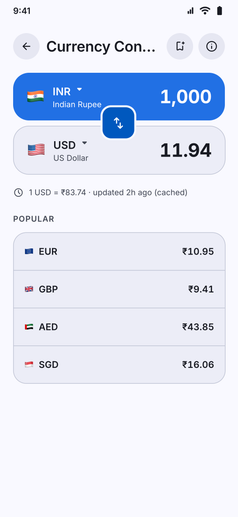
- Built-In Currency Converter: When traveling abroad or checking foreign prices, use the built-in Currency Converter under Tools & Calculators to convert between 31 world currencies. Rates are downloaded when you are online and kept on your phone, so the converter still works offline with the last rates it fetched. Refresh them any time from the converter.
- Always Free and Offline: Choosing your currency is free for everyone and works entirely on your phone, with no account or cloud syncing.